What Is Multimodal AI? (Plain English)
By Chatday Editorial Team ·
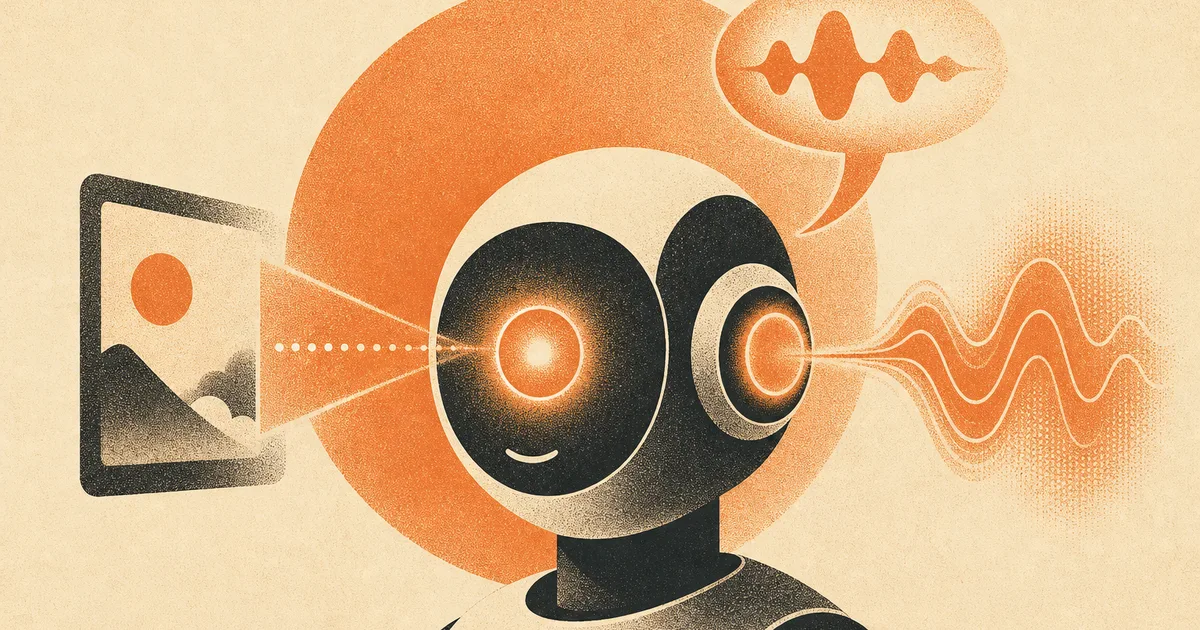
Not long ago, using AI meant typing text and getting text back. It was a very clever pen pal. Then something shifted, and now you can show it a photo, talk to it out loud, or ask it to make you a picture. That leap has a name that sounds more intimidating than it is: multimodal AI.
Strip away the jargon and it just means AI that handles more than one type of thing. Words, yes, but also images, sound and video. It is the difference between an assistant who can only read notes you pass under the door and one who can actually look, listen and speak. Here is what that means for you, in plain English.
What “modes” actually means
A “mode” is just a type of information. Text is one mode. A photo is another. Your voice is another. Video is another. Older AI was single-mode: text in, text out. Multimodal AI can take in and work across several of these at once.
Think of it like a person. You do not just read. You look at a map, listen to directions, watch someone demonstrate, and talk back. Multimodal AI is the attempt to give software that same mix of senses, so you can communicate with it the way you naturally would, not just by typing.
What you can actually do with it
This is where it gets fun, because the everyday uses are genuinely handy:
- Point and ask. Snap a photo of the inside of your fridge and ask “what can I cook with this?” Or a plant, a rash, a weird dashboard light, a math problem in a textbook.
- Translate the real world. Take a picture of a menu or a sign in another language and get it translated on the spot.
- Talk instead of type. Have a spoken back-and-forth, hands-free, like a real conversation.
- Make images from words. Describe a picture and have the AI create it, which is a whole creative world of its own, covered in our roundup of the best AI image generators.
- Understand a screenshot. Paste a confusing error message or a chart and ask what it means.
The common thread: you are no longer limited to describing things in words. You can just show the AI.
The modes, and what they unlock
Here is the quick map of what “multimodal” covers and why each mode is useful.
| Mode | What it means | Handy for |
|---|---|---|
| Text | Reading and writing | Questions, drafting, summaries |
| Image (in) | Understanding a picture you show it | ”What is this?”, translating signs, reading screenshots |
| Image (out) | Creating a picture from words | Art, mockups, social posts |
| Audio | Hearing and speaking | Hands-free chat, transcribing, voice notes |
| Video | Understanding moving footage | Explaining a clip, summarizing what happened |
Not every model does every mode, and some are better at one than another, but the direction is clear: the top models increasingly do most of these out of the box.
Why it matters more than it sounds
Multimodal is not just a party trick. It changes who AI is useful for. Typing a detailed prompt is a skill and a barrier. Pointing your phone at something is not. A kid, a grandparent, someone in a hurry, anyone can hold up a photo and ask a question.
It also makes AI better at helping, because more context means better answers. Telling it about a problem is one thing. Showing it the actual thing is far more precise. This ability to take in a fuller picture and reason over it connects to the broader shift in how modern AI thinks before it answers.
Where multimodal AI falls short
It is impressive, not infallible. AI can misread a blurry photo, mishear a word in a noisy room, or confidently misidentify something. It might read a handwritten total wrong or mistranslate a tricky phrase on a sign.
So the rule is the same as ever: brilliant for everyday, low-stakes help, but verify anything that matters. If it translates a medication label, a legal notice or a restaurant bill, double-check before you rely on it. Treat its eyes and ears as very good, not perfect. Want to see how different models handle the same photo or question? Compare them in the model comparator.
Bottom line
Multimodal AI is just AI that gained senses. It can look at what you show it, listen to what you say, and answer in words or pictures. That turns it from a text box you have to describe things to, into an assistant you can simply point at the world. The easiest way to get it is to try it: show one a photo and ask a question.