AI Photo Prompts to Transform Your Selfie
By Chatday Editorial Team ·
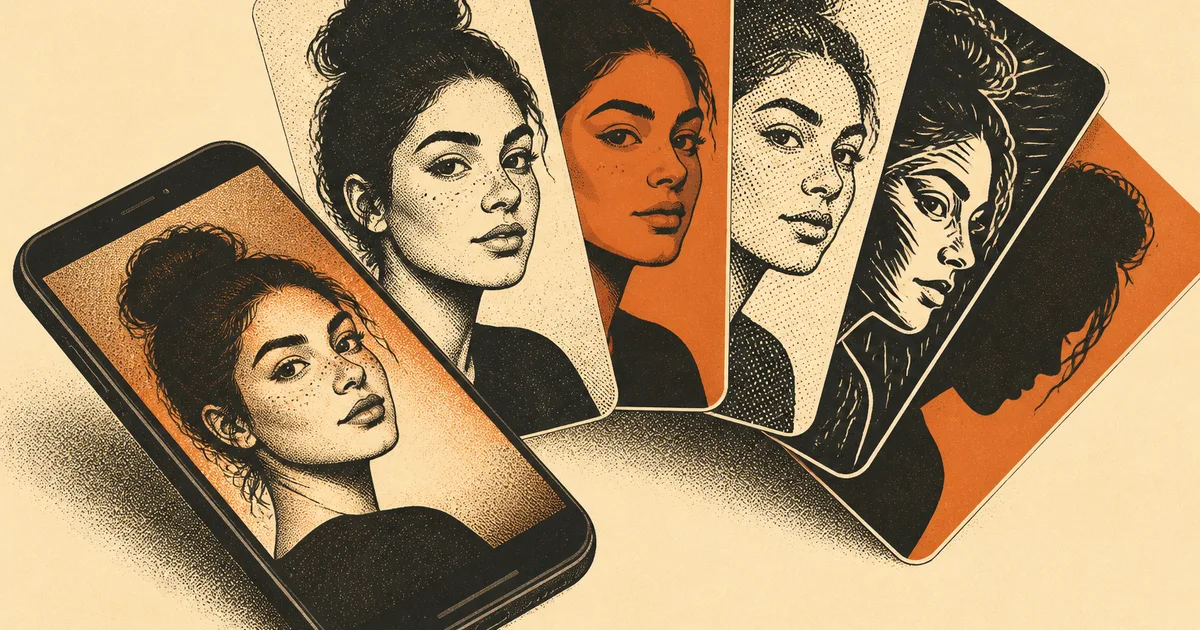
You have exactly one good photo of yourself. You know the one. Decent light, you are actually smiling, your hair behaved for once. It is the picture you reach for every single time: the work profile, the dating app, the group chat, the “can you send me a headshot by Friday” email. And every time, it is a little wrong for the job. Too casual for the CV. Too stiff for the fun one. Too old for the new haircut.
Here is what quietly changed this year. You no longer need a photographer, a new outfit or a good hair day to get a different version of yourself. You need that one photo and the right words.
Modern AI image tools can take a picture you already have and rework it. They swap the background, fix the lighting, put you in a blazer, turn you into a cartoon, drop you in Tokyo. The important part: they keep your real face and only change what is around it. So the headshot still looks like you, just dressed for the occasion.
The catch is the prompt. Type “make me look professional” and you get a generic stranger in a suit who vaguely resembles you. Type a specific one and you get you, done properly. Below are seven prompts you can copy, paste your photo into any AI image tool, and get a result you would actually post. Fill in the bits in brackets, the details only you know.
Start with a photo that gives the AI a chance
The tool can only work with what you hand it, so the starting photo decides most of the outcome. A few seconds of care here saves you ten re-rolls later.
- Good light beats everything. Face a window. Soft daylight on your face gives the AI clean information to work with. Harsh shadows or a dark room make it guess, and guesses look off.
- Show your face clearly. A straight-on or slight-angle shot where your eyes are visible works far better than a distant, tilted or heavily filtered one.
- One subject. If you want a portrait of you, start from a photo that is mostly you, not a crowd.
One honest limit before you start: AI still trips on hands, teeth and any small text like a logo on your shirt. Check those corners before you share anything. If a hand looks strange, crop it out or regenerate. More on the tells is in our piece on why AI images sometimes look fake.
The seven prompts
1. The clean professional headshot
Best for: a CV, LinkedIn, a conference badge, the “we need a photo for the website” request.
If headshots are the main thing you need, we have a whole set of headshot and LinkedIn photo prompts tuned for exactly that.
2. The natural profile picture
Best for: dating apps, social media, anywhere you want to look like a real, likeable human rather than a corporate ID card.
3. The anime version of you
Best for: a fun avatar, a group-chat icon, a sticker of yourself.
4. The 90s yearbook
Best for: a laugh, a throwback post, sending your friends into a spiral.
5. The collectible figurine
Best for: the group chat. Last year’s toy-figure trend filled everyone’s feed, and it still lands.
When Google’s pocket-sized image model (nicknamed Nano Banana) made this easy in 2025, the figurine look went genuinely viral. Google’s own team said the Gemini app picked up roughly 13 million first-time users in a few days and processed hundreds of millions of images in the first couple of weeks. It was mostly people turning themselves into little boxed toys.
6. The travel poster
Best for: “I wish I were anywhere else,” and for pretending you already are.
7. The outfit try-on
Best for: “would this suit me,” before you spend a cent on the actual clothes.
Which look for which moment
If you are not sure where to start, match the occasion to the prompt.
| The look | Best for | The one thing to get right |
|---|---|---|
| Professional headshot | Job apps, LinkedIn, work profile | Name the exact outfit and a plain background |
| Natural profile pic | Dating apps, social | Ask for soft daylight, not studio lighting |
| Anime version | Avatars, group chats | List your 2 or 3 most recognisable features |
| 90s yearbook | Fun, nostalgia posts | Lean into the period details (hair, backdrop) |
| Action figure | The group chat flex | Describe the outfit and the toy accessories |
| Travel poster | Escapism, holiday teasers | Name the place and say “no text” |
| Outfit try-on | Shopping decisions | Tell it to keep the photo the same, change only the clothes |
The habit that makes every prompt better
Most people change the whole prompt when a result misses, then wonder why the next one is wrong in a new way. Do the opposite.
A quick checklist for writing any image prompt: say who (keep my face the same), the style (studio photo, anime, travel poster), the light (soft daylight, golden hour), and the framing (head-and-shoulders, full body). Those four lines do most of the heavy lifting.
Want a painterly result instead of a photo, like watercolour or an oil painting? That is a slightly different job, and we covered the styles in turning any photo into art.
The quickest way to see what your one photo can do is to run it. Pick the look you need most right now, grab your best picture, and try the first prompt. If you want to know which image model to reach for, we broke that down in our guide to the best AI image generator.