How to Fix Things Around the House With AI
By Chatday Editorial Team ·
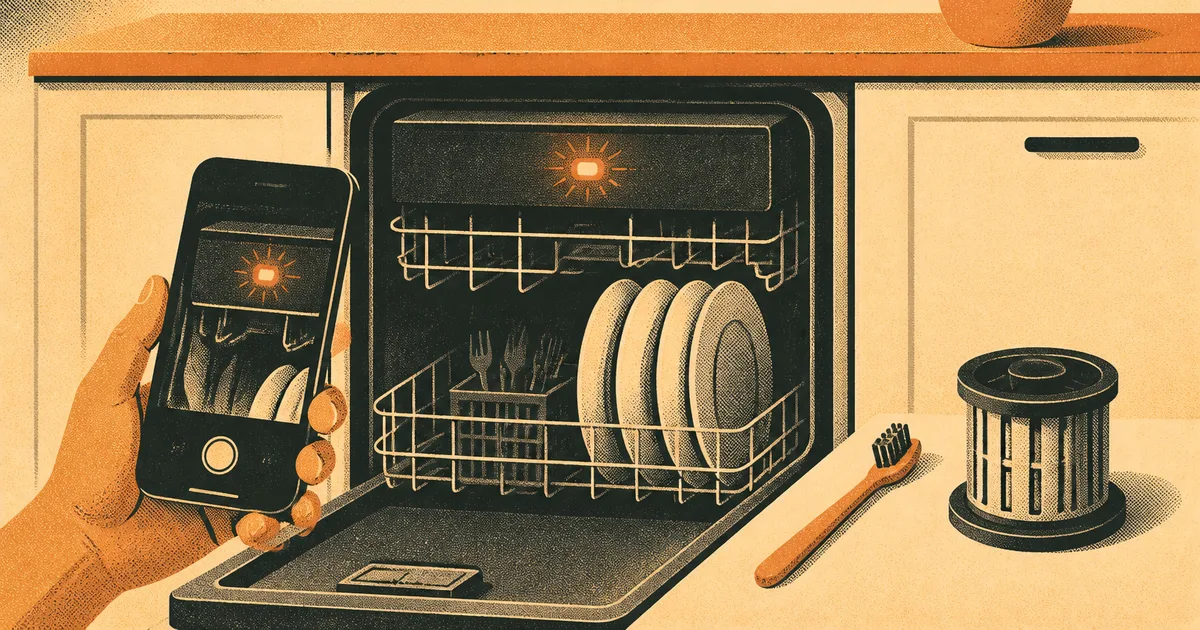
It’s Sunday night, the dishwasher has gone quiet halfway through the cycle, and the little display says E24. There’s a puddle of grey water sitting in the bottom of the tub. The manual is somewhere in a drawer you haven’t opened since you moved in, and the earliest a repair company can come is Thursday.
That exact code turns out to be one of the friendlier ones. On a Bosch dishwasher, E24 means the machine can’t drain properly, and Bosch’s own support page lists the usual suspects: a blocked filter, a kinked drain hose, a loose pump cover, or, if you just had a new garbage disposal fitted, a plastic “knockout” plug the installer forgot to remove. Most of those take ten minutes and no tools.
The tricky part was never the fix. It was knowing what E24 meant, for that brand, on that machine, at 10pm. That’s the gap an AI model with a camera fills really well.
Start with two photos, not a description
When something breaks, the instinct is to type “dishwasher not draining” into a search box. You get a thousand results for a hundred different machines. AI does the same if you give it the same vague input.
What changes the answer is showing it the actual machine. Take two pictures:
- The problem itself. The error code on the display, the leak, the warning light, the weird part. Get close and keep it in focus.
- The rating plate. That’s the small sticker with the model number. Whirlpool, for example, puts it on the left side of the tub frame on built-in dishwashers, just inside the door on front-load washers, and on the left inside wall of most fridges. Turn on your phone’s flash, it’s usually in a shadowy spot.
The model number is what turns a generic answer into a specific one. Error codes aren’t universal. The same two characters can mean a drain problem on one brand and a heating fault on another, so an answer without the model is half a guess.
Then upload both to an image-reading AI and ask something like this:
That last line matters. You want the AI to admit when the sticker is blurry or the code could be read two ways, instead of quietly guessing.
What a good AI answer looks like for E24
Back to that Sunday-night dishwasher. Given both photos, a good answer walks through the checks in the order that makes sense, cheapest and most likely first:
- Cancel the cycle and let it pump out. Many Bosch models drain the leftover water if you hold the Start or Reset button for a few seconds.
- Pull out the filter and clean it. A clogged filter is the most common cause repair guides mention, and it’s a sink-and-toothbrush job.
- Check the pump cover under the filter. Bosch says a loose one can trigger this exact code.
- Look under the sink. Is the drain hose kinked where the machine was pushed back? Is there a new disposal with the plug still in?
If it’s the filter, the code should clear once the machine drains properly again. If you’ve done all four and E24 keeps coming back, repair guides point to the drain pump itself, and that’s the point to book a technician.
None of this is secret knowledge. The steps are in the manual. What the AI adds is getting the right page of the right manual in under a minute, explained in normal words, while standing in front of the machine.
Which repairs are worth trying yourself
Not everything should become a weekend project. Here’s a rough way to sort it, based on what safety bodies and repair guides consistently say:
| Problem | Try it yourself? | What AI is good for |
|---|---|---|
| Error code on a dishwasher or washer | Usually yes, the first checks | Decoding the code for your model and ordering the checks |
| Clogged filter, drain or lint trap | Yes | Showing where the part is and how it comes out |
| Dripping tap or running toilet | Often yes, water off first | Identifying the part from a photo so you buy the right one |
| Fridge not cooling | Basic checks only | Ruling out the simple stuff, like blocked vents or dirty coils |
| Anything that smells of gas | No. Leave the house | Nothing. Call from outside |
| Sparks, scorch marks, a shock from an appliance | No | Explaining what to tell the electrician |
Best for appliances with a display
These are where AI shines, because there’s a code to decode and a model sticker to anchor it. Washers, dryers, dishwashers, ovens, boilers, even the blinking light on your router all fit here.
Best for the “what is this part called?” moment
Half of any repair is buying the right thing. A photo of the broken bit, plus the model number, is usually enough for the AI to tell you what the part is called and what to search for at the hardware store. Double-check the part number against the seller’s listing before you buy, because a close match isn’t the same as the right one.
Best for deciding whether to call someone
Sometimes the most useful answer is “this one isn’t for you.” A good model will tell you when a job needs a technician, and help you describe the problem properly when you call, which can save a second visit.
When to put the phone down and call someone
AI is happy to talk you through almost anything. That’s exactly why you need your own lines it can’t cross.
Also be careful with anything under warranty. Opening up a sealed unit can void it, and a free repair beats a clever one. If the machine is new and failing, your better move might be a firm letter to the seller, and we have a guide on how to write a complaint letter with AI for exactly that.
Then there’s the AI itself. It can misread a blurry digit, mix up two similar models, or sound confident about a step that doesn’t apply to your machine. We’ve written about why AI sometimes makes things up, and the same rule applies here: treat the answer as a well-informed first opinion, then check it against the manual or the maker’s support page before you take anything apart.
Why trying first saves you money even if you fail
Here’s the quiet win. Angi’s 2026 cost guides put a typical service call fee at around 50 to 100 dollars, and that’s just for the technician to show up, before any parts or labour. Other repair-cost guides land in a similar range.
So a ten-minute check that clears a clogged filter saves you that fee outright. And when the check doesn’t work, you’re still ahead. You call the technician knowing the code, the model, and what you’ve already ruled out. That makes for a shorter visit and a lot less chance of being charged to “investigate” something you could have told them on the phone.
| Situation | Without AI | With a photo and a good prompt |
|---|---|---|
| E24 on a Friday night | Wait for a technician, pay the call-out | Clean the filter, done in ten minutes |
| Mystery part snapped | Guess at the hardware store | Know what it’s called and what to look for |
| Real fault you can’t fix | Vague “it’s broken” call | Clear description, faster diagnosis |
If you want the broader version of this skill, our guide to making AI explain any photo or screenshot covers everything from food labels to confusing settings menus.
Picking the right AI to read your photo
Any of the big modern models can read a photo of an error code. The differences show up at the edges: reading a faded sticker, handling a cluttered photo, or explaining a fix without drowning you in detail. A fast model like Gemini 3.8 Flash is great for quick “what does this code mean?” checks. For a messier problem with several possible causes, a stronger reasoning model like GPT-6.1 or Claude Sonnet 5.5 is worth a second opinion. In Chatday you can ask one, then switch to another in the same chat if the first answer doesn’t sit right.
Next time something blinks at you, don’t start with a search box. Take one photo of the problem and one of the sticker, and let the Analyze image tool tell you what you’re looking at before you decide whether to grab a toothbrush or the phone.