GPT-6.1 Terra: OpenAI's Fast Model for Screen Work
By Chatday Editorial Team ·
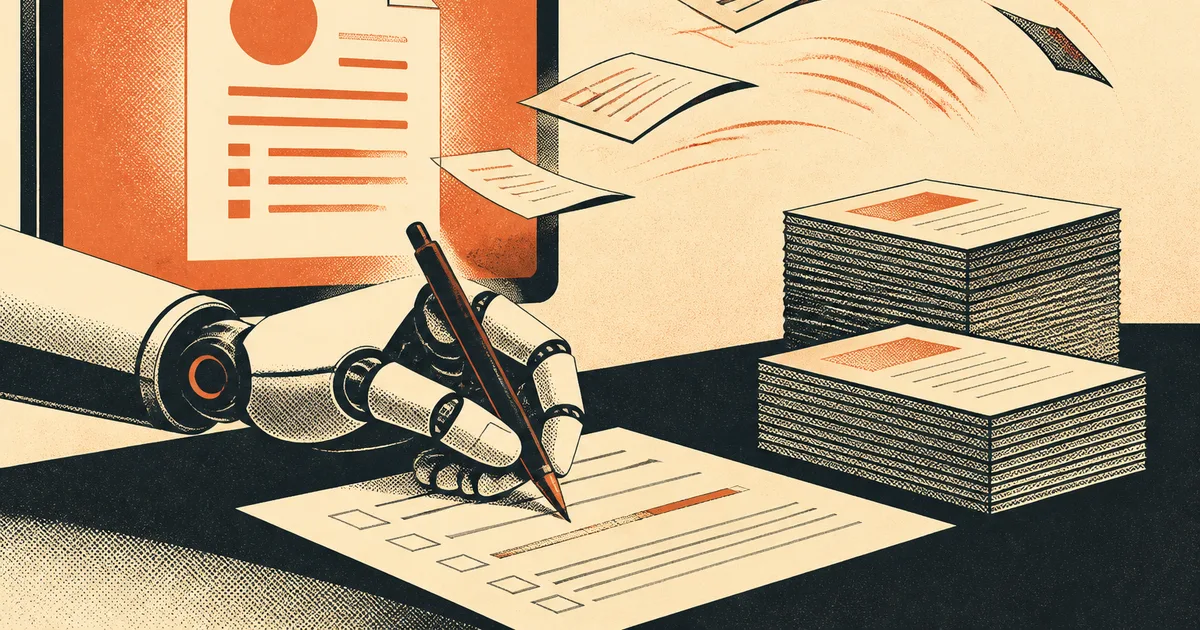
It’s late on a Thursday and there’s a screenshot of a supplier’s invoice on one side of your screen and a half-filled expense form on the other. Twelve fields. Every one of them is already in the screenshot. You just have to read it, find the right box and type.
Nobody needs the smartest AI in the world for that. You need one that can look at a picture of a document, understand what goes where, write a short note to accounting when something doesn’t add up, and do all of it quickly without costing a fortune.
That’s the job OpenAI built GPT-6.1 Terra for.
What OpenAI announced on October 26
OpenAI released GPT-6.1 Terra on October 26, 2026. In its own words, it’s “a fast, efficient model that combines detailed visual reasoning and precise computer use alongside clearer, more natural writing.”
“Computer use” sounds like jargon, so here’s the plain version: the model can understand what’s on a screen (a form, a chart, a technical drawing, a messy screenshot) and take sensible next steps across apps. OpenAI’s own examples are ordinary office work: drafting proposals, filling out forms, reading technical drawings, editing videos and automating repetitive desktop chores.
Terra replaces GPT-5.6 Terra, which first showed up back in June. OpenAI calls the new one “a significant step up,” and it’s half the price of its predecessor.
Where Terra sits in OpenAI’s lineup
OpenAI no longer ships one model. It ships a ladder, and the names tell you the rung. From cheapest to most capable: Luna, Terra, Sol and Astra. Terra is the middle step, the everyday worker.
| Model | What it’s for | Developer price per 1M tokens (in / out) |
|---|---|---|
| GPT-6.1 Terra | Everyday office work, screens, forms, writing | $1 / $5 |
| GPT-6.1 Sol | Harder coding and longer professional jobs | $2 / $10 |
| GPT-6 Astra | OpenAI’s top tier for in-depth research | About ten times Terra’s price |
Those prices are what developers pay OpenAI per million “tokens” (the small chunks of text an AI reads and writes, roughly three quarters of a word each). You won’t see them as a chat user, but they explain why Terra matters: cheaper to run means more of it, more often, for more people.
OpenAI’s own advice is refreshingly direct. For “in-depth research or complex coding,” it still points people to Sol or Astra. Terra isn’t trying to be the genius in the room.
Why a mid-tier model is the interesting launch
The surprise is in the comparison with the top tier. On OpenAI’s test of how well an AI handles real work software (it’s called Agents’ Last Exam), the company says Terra performs on par with GPT-6 Astra, its most powerful model, at one-tenth of the price per token. It also says Terra finishes tasks more than three times faster on average than both Astra and GPT-6.1 Sol.
Speed sounds like a nice-to-have until you’re watching an assistant work through a twelve-field form one field at a time. Three times faster is the difference between “I’ll wait” and “I’ll do it myself.”
OpenAI also reports a big drop in made-up answers. On its internal set of trick prompts designed to make models slip, the error rate at low effort fell from 53.6% with GPT-5.6 Terra to 16.7%. And on a coding test called Terminal-Bench 4.0, Terra solved 50.3% of tasks at maximum effort, more than double its predecessor.
There’s a fair caveat on the developer side too. Early users on OpenAI’s own forum noted that Terra can pick the wrong tool more often than Sol in complex setups. That matches OpenAI’s advice: for big, branching jobs, step up a rung.
The spec sheet in plain words
Two numbers on Terra’s spec sheet are genuinely useful for regular people.
- It can hold a huge amount at once. Terra’s “context window” (how much text it can keep in mind in a single conversation) is 1,050,000 tokens. That’s several long books’ worth, so you can paste in a whole contract bundle or a long chat thread and keep asking questions about it.
- It can write long answers. A single reply can run up to 128,000 tokens, which is far more than any email or report you’ll ask for.
It reads images as well as text, which is what makes the screenshot-and-form scenario work. Its knowledge runs up to June 1, 2026, so for anything newer you’ll want to give it the details yourself.
Where you can use GPT-6.1 Terra
Inside OpenAI’s own products, Terra is limited at launch. It’s in ChatGPT Work (OpenAI’s agent mode) and Codex (its coding tool) for paying Plus, Pro, Business, Enterprise and Edu plans, and it isn’t in the regular ChatGPT chat. Free users get a smaller model instead.
In Chatday, it’s simply on the model list. Pick it, paste the screenshot, ask for the form fields, and if you want a second opinion on the tricky line item, switch to another model in the same conversation. Want to see how it stacks up against its bigger sibling first? Put Terra and GPT-6.1 Sol side by side.
If you read our piece on the GPT-6.1 Sol launch, Terra is the other half of that story: Sol brought near-top quality down in price, and Terra brings fast, solid everyday help down further still. We dug into that trade-off in fast vs smart AI models, and Terra lands firmly on the fast side without giving up much.
Good first jobs to give Terra
The quickest way to know if a model fits is to hand it something from your actual week. A few that play to Terra’s strengths:
- A screenshot of a receipt, invoice or form: “List every field and its value as a table.”
- A photo of a chart or a floor plan: “Explain what this shows in three sentences.”
- A long, messy email thread: “Summarize what was decided and draft my reply.”
- A rough set of bullet points: “Turn this into a one-page proposal in a friendly tone.”
If a task gets genuinely hard, like a deep research question or a large coding project, that’s your cue to switch to Sol or another heavier model in the same chat.
Back to that expense form. Paste the invoice screenshot, ask for the twelve fields, and see how long it takes. If Terra gets it right, you just found your new default for the boring stuff.