Chat, Image, or Video AI: Which Do You Need?
By Chatday Editorial Team ·
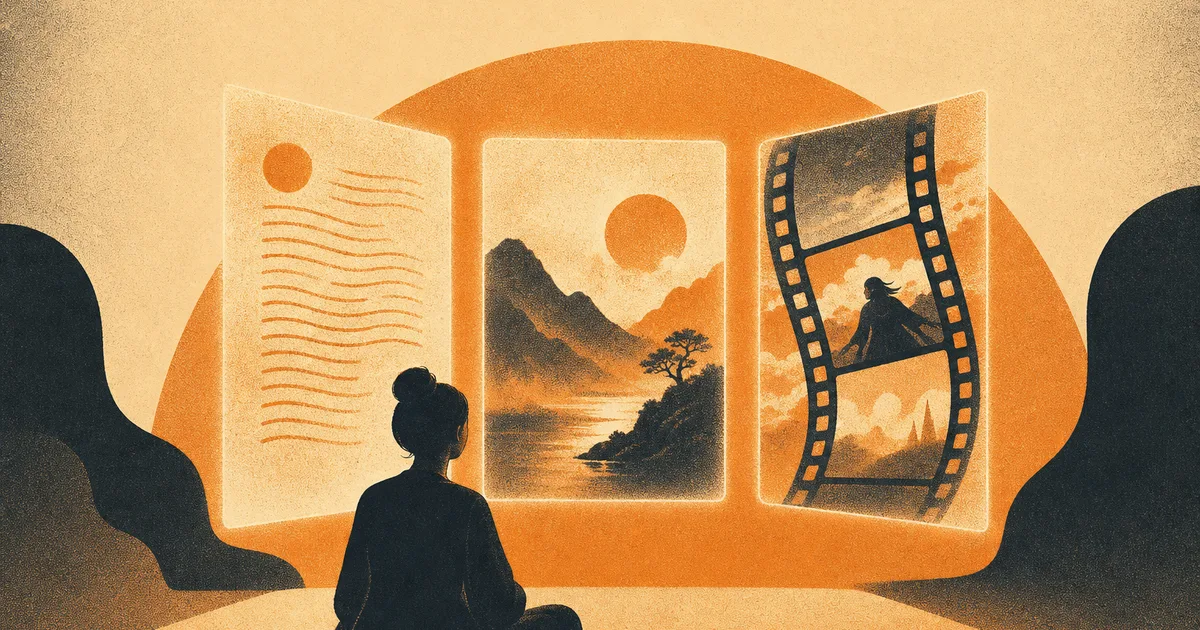
A couple of years ago, “AI” pretty much meant one thing: a chatbot you typed questions into. Not anymore. Today the same word covers tools that write, tools that paint you a picture from a sentence, and tools that turn that sentence into a short video clip.
That is genuinely exciting, but it also makes things confusing. If you just want to get something done, which one do you actually reach for? Here is a plain guide to the three main kinds of AI, what each is best at, and how to tell them apart.
What “generative AI” actually means
“Generative” just means the AI creates something new rather than only finding an existing answer. You give it a prompt, which is a plain request in normal language, and it generates a fresh result: a paragraph, a picture, or a clip that did not exist before.
The three types all work the same way from your side. You describe what you want, and the AI makes it. The only difference is what comes out the other end.
The three kinds of AI, in plain English
Think of them as three different craftspeople who all take the same instructions.
- Chat AI is the writer and thinker. It answers questions, drafts emails, explains things, plans your week, and talks through ideas.
- Image AI is the artist. Describe a scene and it paints it, from a logo to a birthday card to a photo-style portrait.
- Video AI is the newest one. Describe a moment and it produces a short moving clip, the kind of thing that used to need a camera and an editor.
Which one for which job
When you are not sure, this quick table sorts it out.
| You want to… | Reach for | Example |
|---|---|---|
| Write, plan, explain, or brainstorm | Chat AI | ”Draft a polite reminder email” |
| Make a picture or design | Image AI | ”A cozy coffee shop logo, warm colors” |
| Create a short moving clip | Video AI | ”A paper plane flying over a city at sunset” |
| Understand a document or photo | Chat AI (with a file or image) | “What does this contract say?” |
Notice that chat AI does more than words. Modern chat models can also look at a picture or read a file you upload, which is why it covers so many everyday tasks on its own.
Chat AI: your all-purpose thinking partner
This is the one most people start with, and for good reason. It is the Swiss Army knife. It writes, summarizes, translates, explains hard topics simply, helps you reply to messages, and thinks through decisions with you.
There is also more than one chat AI, and they each have a personality. Some are chattier, some are more precise, some are better at code. That is why it helps to be able to try a few and see which you like, or put them side by side in a model comparator before you commit. If the whole world of models beyond the famous one is new to you, our guide to the other AI models worth trying is a friendly place to start.
Best for: writing, planning, questions, learning, and anything that is mostly about words or thinking.
Image AI: turn a sentence into a picture
Image AI feels like a small magic trick the first time. You type a description and a few seconds later you have a picture that matches it. No design skills, no stock photos.
People use it for social posts, party invitations, logos, thumbnails, story illustrations, and just plain fun. The quality has jumped so fast that a good result now looks designed rather than obviously “AI.” If you want to see how the popular options stack up, we broke it down in our look at the best AI image generators.
Best for: anything visual you would otherwise need a designer, a camera, or a stock library for.
Video AI: the newest and wildest
Video is the frontier. You describe a scene and the AI generates a short clip of it moving. What took a camera crew and editing software is starting to come from a single sentence.
It is early days, so clips are short and not always perfect, but the results are already good enough for social content, quick concept ideas, and eye-catching intros. It is the one most likely to make a friend say “wait, an AI made that?”
Best for: short, shareable clips and visual ideas when a still image is not enough.
You do not have to pick one app for each
Here is the trap a lot of people fall into: signing up for a separate app for chat, another for images, and another for video, then juggling three logins and three bills.
You do not have to. Some platforms now bundle all three, so you chat with the top models, generate an image, and make a video clip from the same place. That is the simplest setup for a curious beginner. One door, all three kinds of AI, nothing to install.
Where each one still struggles
No type is perfect yet, and it helps to know the rough edges.
- Chat AI can sound confident while being wrong, so double-check important facts. It is a brilliant assistant, not an oracle.
- Image AI still fumbles fine details like hands, text inside the picture, and very specific layouts.
- Video AI is the least mature. Clips are short, and complex motion or long scenes can look off.
The honest takeaway: for everyday use these tools are genuinely useful today. Just treat them as fast, creative helpers rather than flawless machines, and keep a human eye on anything that really matters.
The bottom line
Chat, image, and video are not competing choices so much as three different jobs. Words and thinking go to chat. Pictures go to image AI. Moving clips go to video AI. Once you know which is which, the whole thing stops feeling overwhelming and starts feeling like a toolbox.
And the easiest way to learn them is to play. Try a question, then a picture, then a clip, and you will quickly feel which one fits what you need.